 Afterglow
Beta
Afterglow
Beta
For Philips Hue and Home Assistant
Your home’s light, at a glance.
Afterglow is an iPhone app for your lights, from Philips Hue or Home Assistant. Instead of lists and switches, it shows every room glowing the way it really looks right now. Touch a room to change it.
Join the betaon TestFlight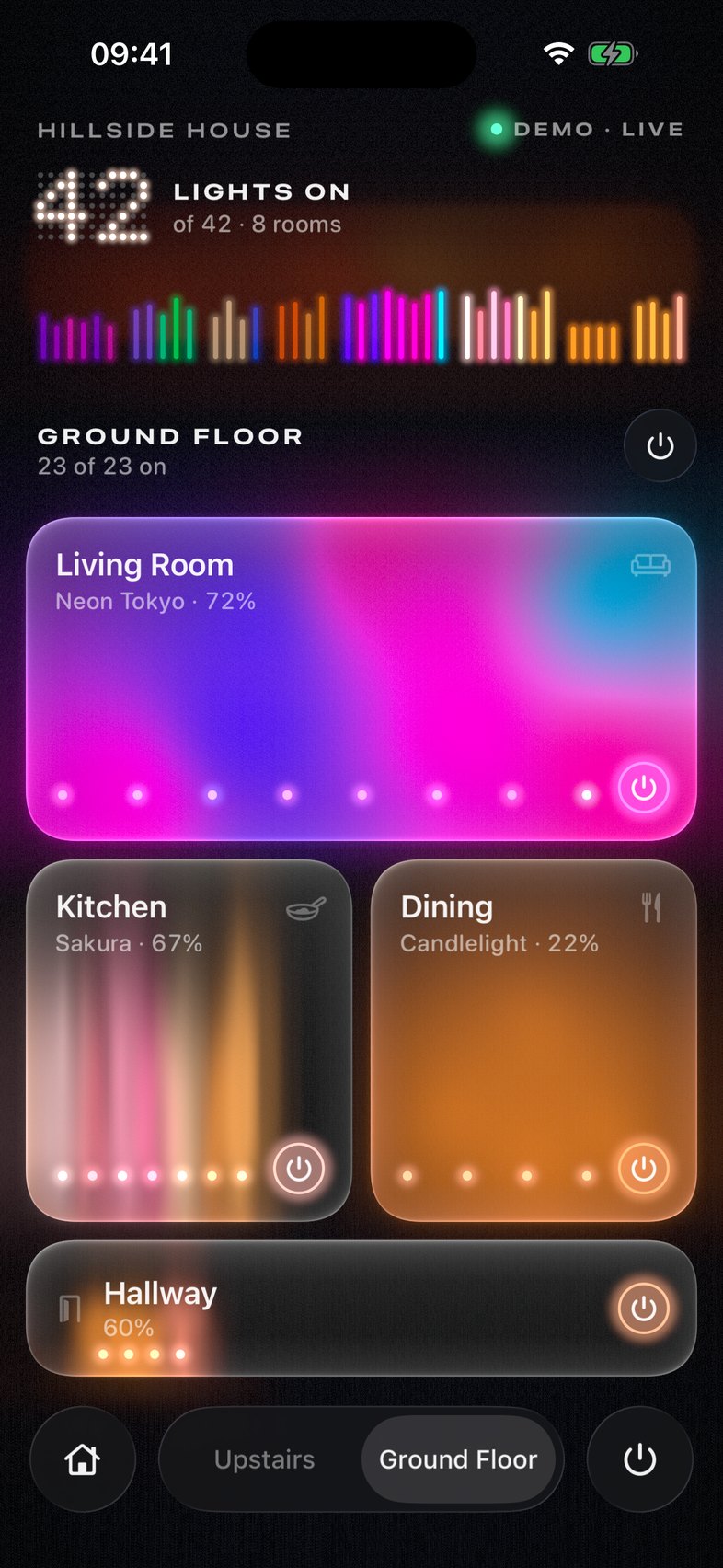
Why
Changing the lights shouldn’t take five taps.
Most light apps make you find the room, open it, find the scene, and wait for it to load. Afterglow opens straight to your home, already up to date, and almost everything is one touch away, right where your thumb already is.
One hand
Tap, hold, slide.
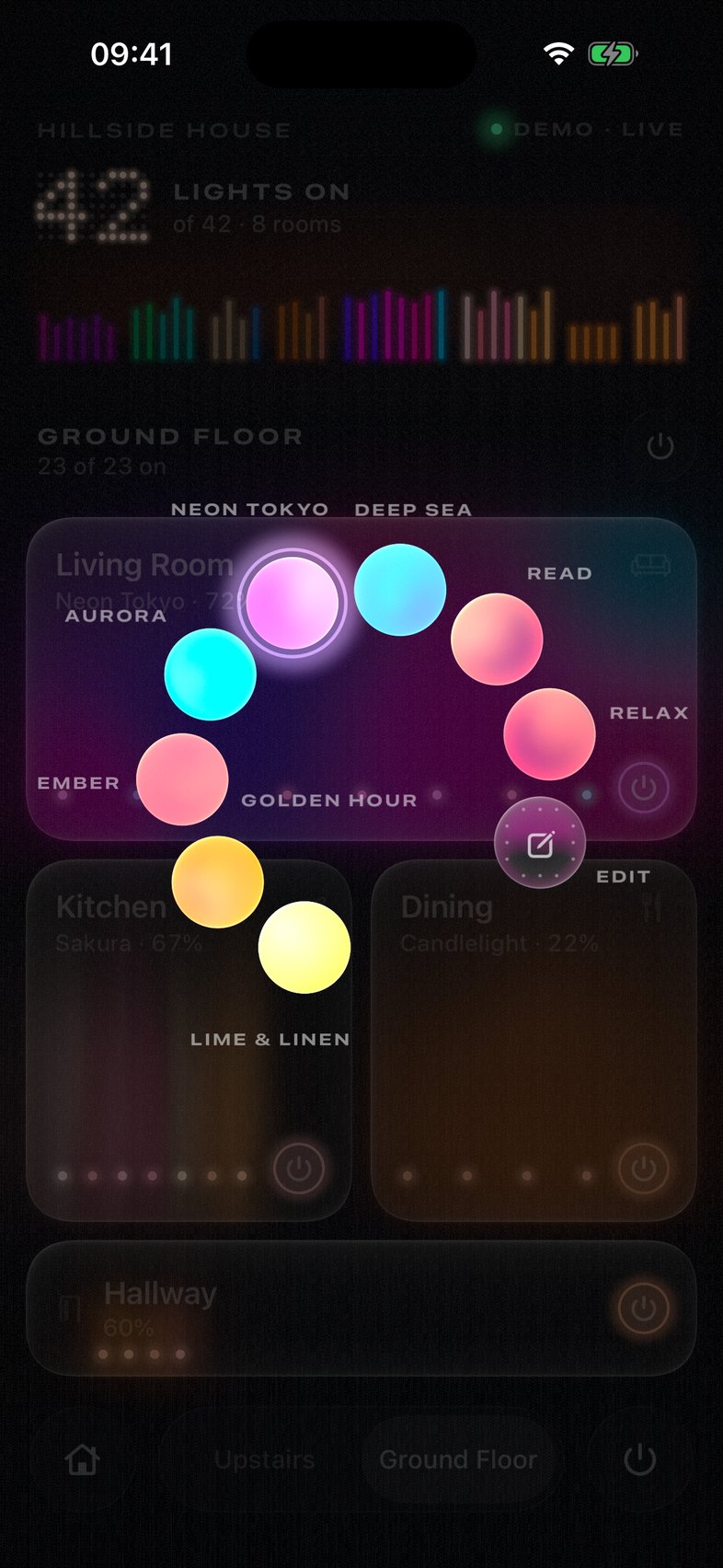
Touch a room and its brightness shows. Hold and slide to make it brighter or dimmer, tap to open it, and hold a moment longer for its scenes, fanned out around your thumb.
Try it here
Scenes
See it before you pick it.
Rest your thumb on a scene and your lights change, so you see it in the actual room before you decide. Let go to keep it. Slide away, and it’s as if you never tried.
Your rooms
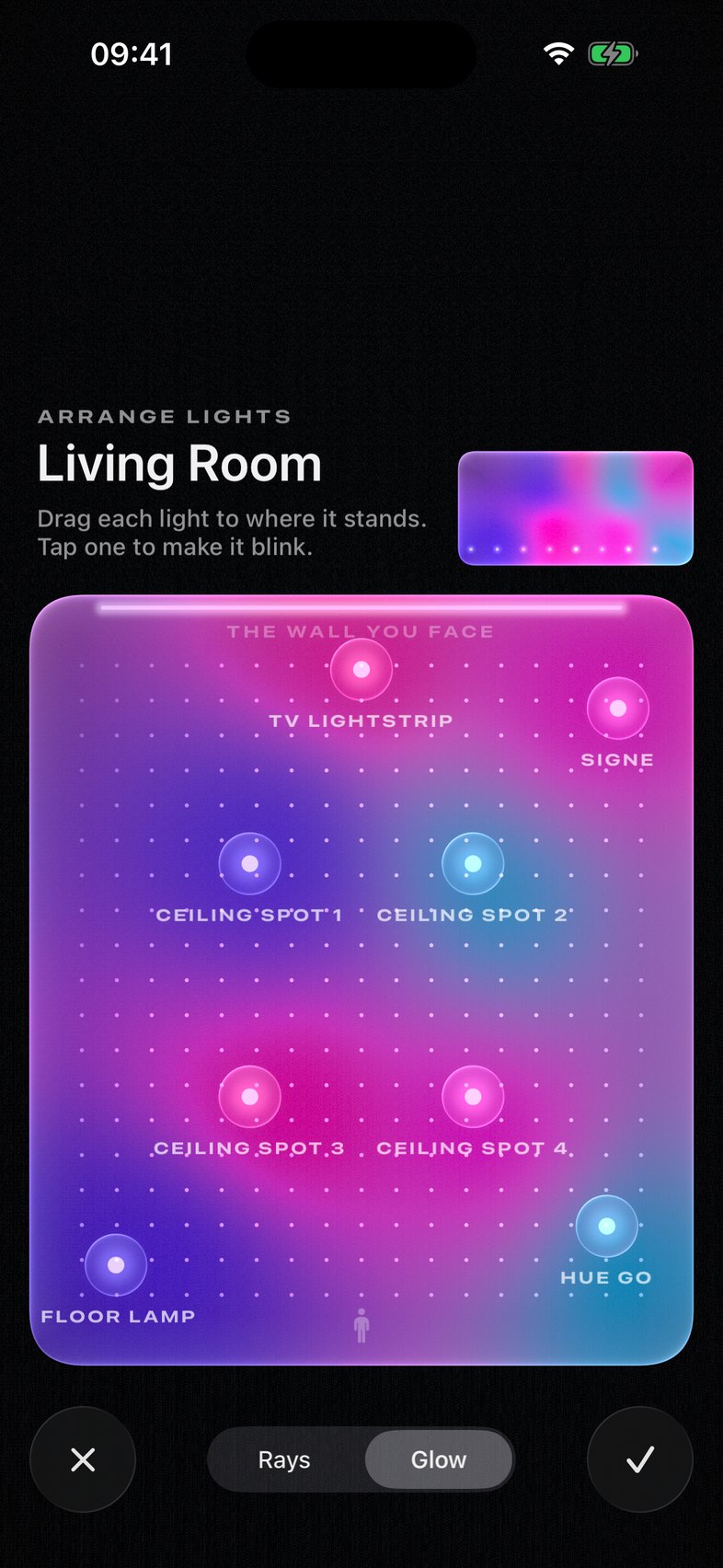
It looks like your room.
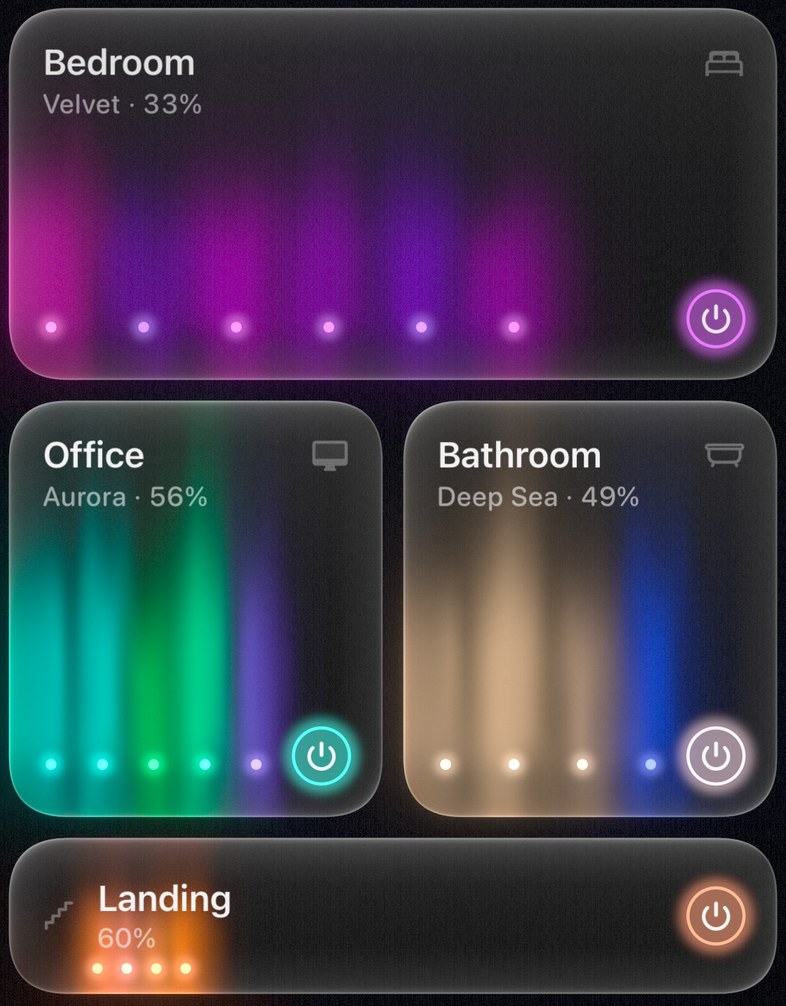
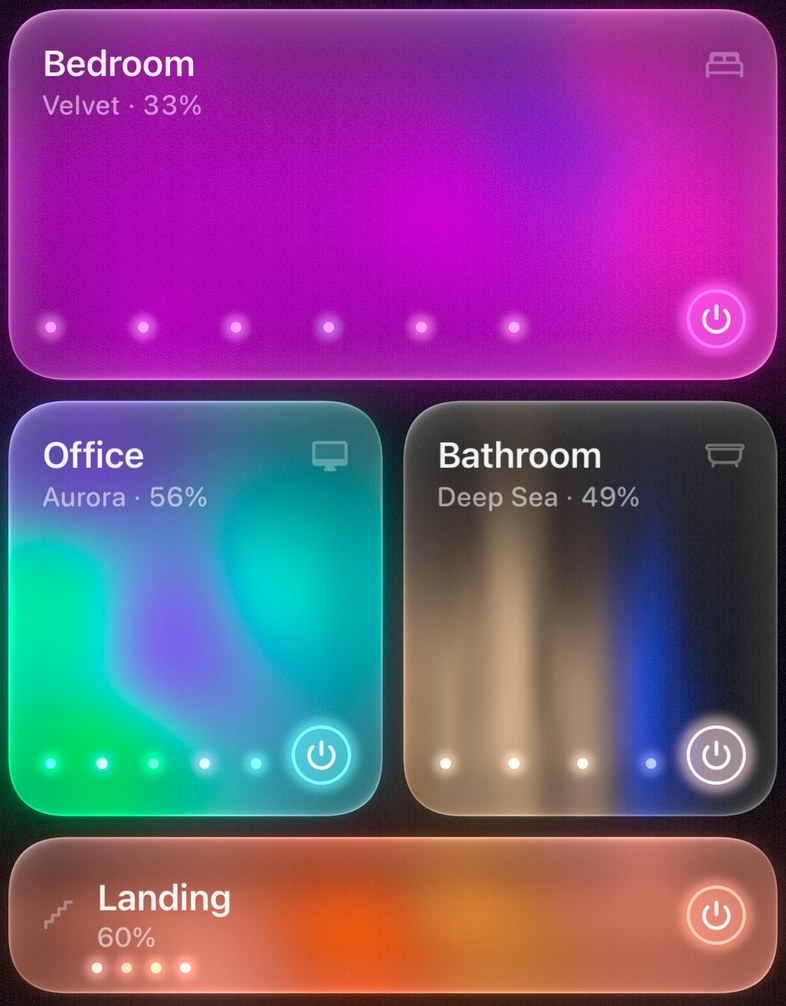
Show Afterglow roughly where your lamps stand, and each room turns into a soft picture of its light, with colours blending where they meet.
Vibe check
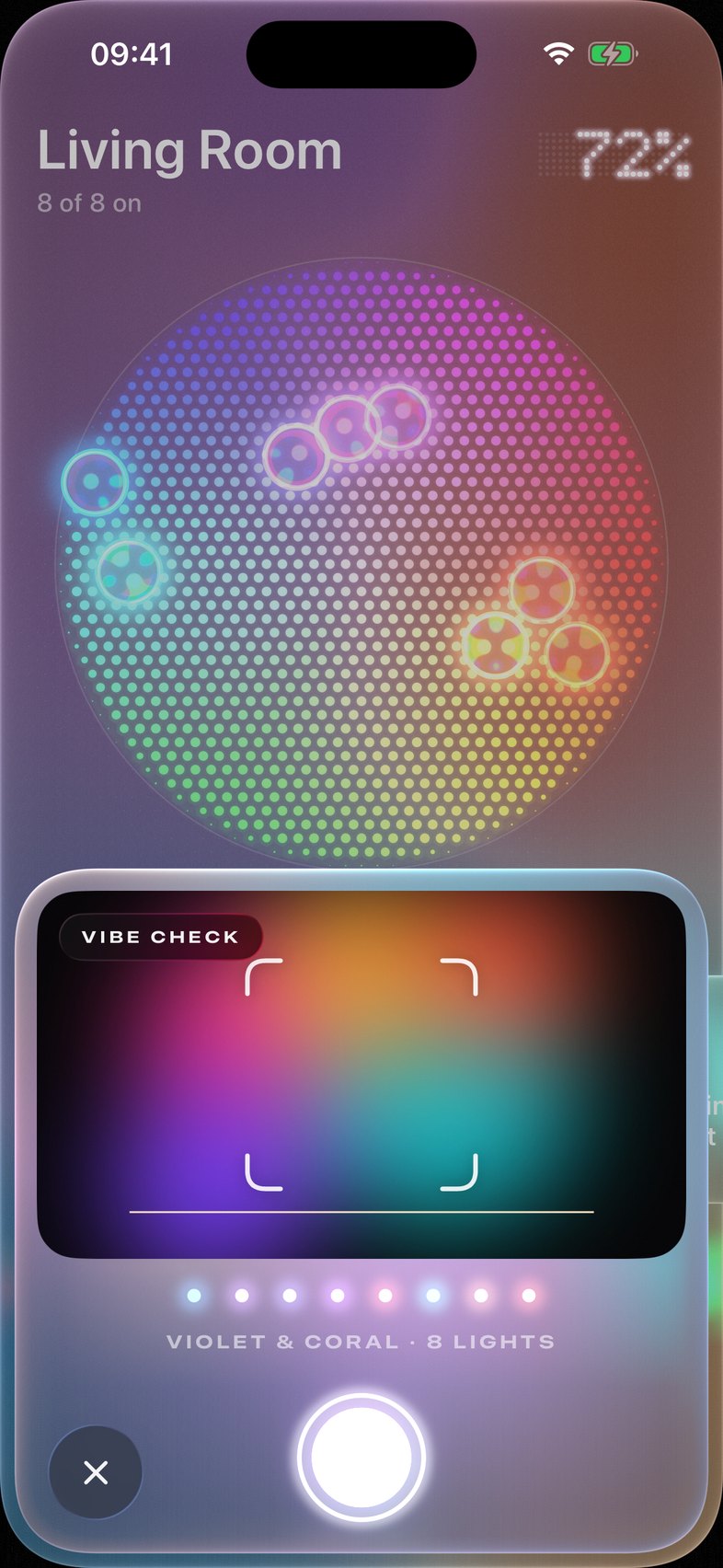
Light the room like a picture.
Point your phone at a poster, a sunset or a record cover. Afterglow picks out its colours and lights the room to match, as you move. Keep the ones you like as scenes.
Pick something to point at
Up close
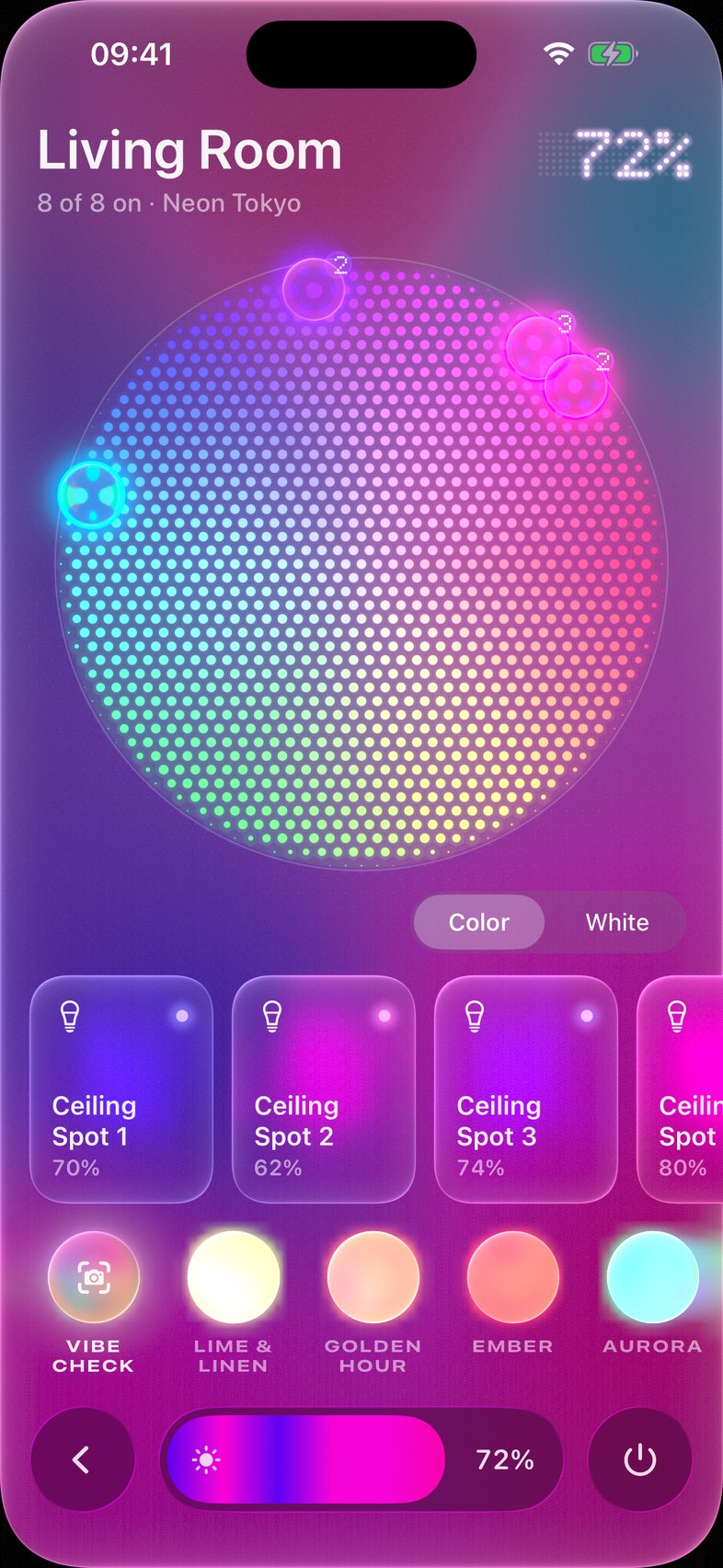
Every lamp in a room, on one wheel.
Open a room to give any lamp its own colour, or turn the whole room’s colours at once. Your scenes wait at the bottom, within reach.
Also
- No account. It talks straight to your Hue Bridge or Home Assistant at home, so it’s quick and stays private.
- Hue and Home Assistant together. Add both to one home and their rooms sit side by side, floor by floor. Scenes are kept where they belong, on the bridge or in Home Assistant.
- The rest of your home, too. Sensors, switches and everything else Home Assistant knows are listed as they last synced, beside your lights.
- More than one home. Switch between homes, or try the built-in demo house.
- Siri and Shortcuts. Rooms and scenes work from Siri, Shortcuts and the Action button.
Try it
Afterglow is in beta.
It works with the Hue Bridge and Hue Bridge Pro, and with Home Assistant through an administrator account, on iPhone with iOS 26. Nothing to connect yet? It comes with a demo house to play with.
Join the betaon TestFlight